

Validating Webhook Signatures
When using the Salad Job Queue API, you can set up webhooks to receive the output of your jobs. To ensure the integrity and authenticity of the webhook payloads, you can validate the signatures included in the webhook requests. A webhook request will include headerswebhook-signature, webhook-id and webhook-timestamp, which contains a
signature of the payload. This signature can be validated using your webhook secret key, available in the portal, and
the svix library.
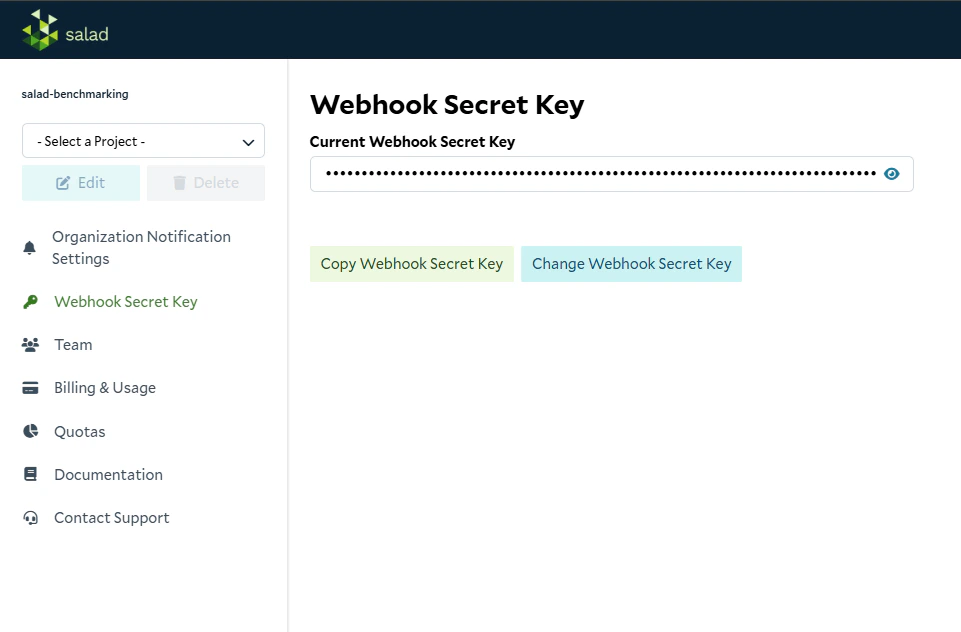
The secret key format
The webhook secret key is a base64 string with nowhsec_ prefix. The svix library’s Webhook(secret) accepts it as
it is. If you use a different library, the signature follows the Standard Webhooks
scheme:
- Base64-decode the secret.
- Compute an HMAC-SHA256 over
{webhook-id}.{webhook-timestamp}.{raw body}, using the decoded secret as the key. - Base64-encode the result and compare it with the value after
v1,in thewebhook-signatureheader.
Webhook payload
For a job that succeeded, SaladCloud sends onePOST to your webhook URL shortly after the job finishes:
input and output hold your job’s input and your application’s response. The values above are placeholders.
In this payload each event is keyed
type. In the Job Queue API’s job document the same field is called action. We
have documented only the payload for a succeeded job. The type values for failed or cancelled jobs are not covered
here.Validating the Signature
Node.js Example
First, installsvix:
SALAD_WEBHOOK_SECRET to the webhook secret key
from the portal. The middleware needs the raw request body, so register it on a route that uses express.raw() rather
than express.json():
Python Example
First, installsvix:
SALAD_WEBHOOK_SECRET to the webhook secret key
from the portal: