

How Disk Space is Calculated
When you deploy a workload to the SaladCloud Network, nodes are filtered on the criteria that you specify. If you do not specify disk space requirements, nodes are provided which meet a minimum free space allotment. This is calculated based on the size of the downloaded container, plus some extra buffer to account for operations like extracting the container, installing dependencies, and caching results.Requesting additional Disk Space on nodes
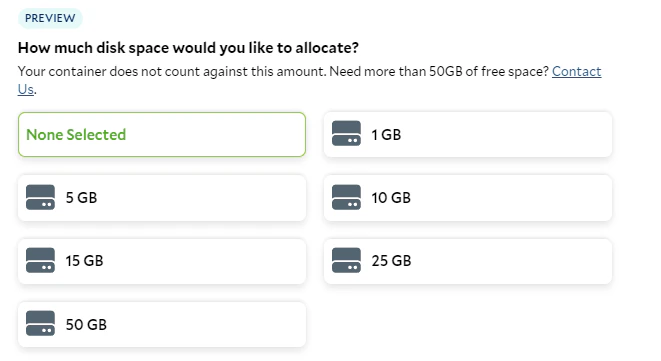
If you expect to need significantly more free space on your nodes than your container itself requires, configure it by selecting a Disk Space option when configuring your container group in the Portal or in the API by passing"storage_amount" on the resources object. The API value is in bytes and must be a whole number of gigabytes, from 1 GB
(1073741824) to 250 GB (268435456000).
Disk space is ephemeral. It’s kept when an instance restarts, but an instance that is reallocated or recreated starts
with an empty disk, so store results you need to keep outside the container.
📘 Need more space? SaladCloud’s disk space requirements for nodes are minimum thresholds; nodes may provide significantly more free space than the minimum. However, if you expect to regularly need more than highest disk space option provided, reach out to your account manager or email [email protected] to request nodes with additional space. We can take a look at how many nodes are available with high levels of free space to help guide you to the right balance of space requirements and node counts.